Go back
Getting Started
Course
Adding leads to a new sequence
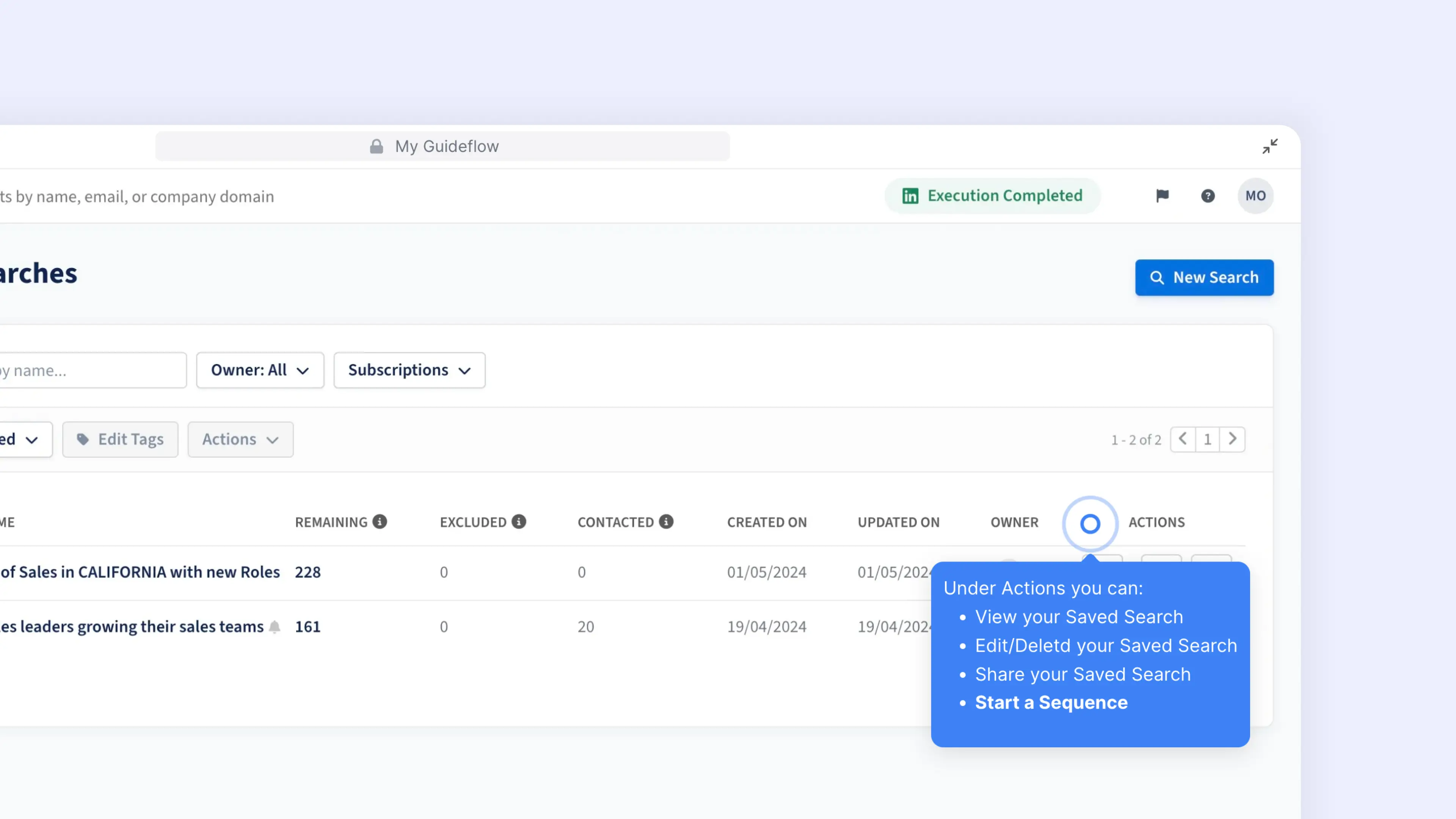
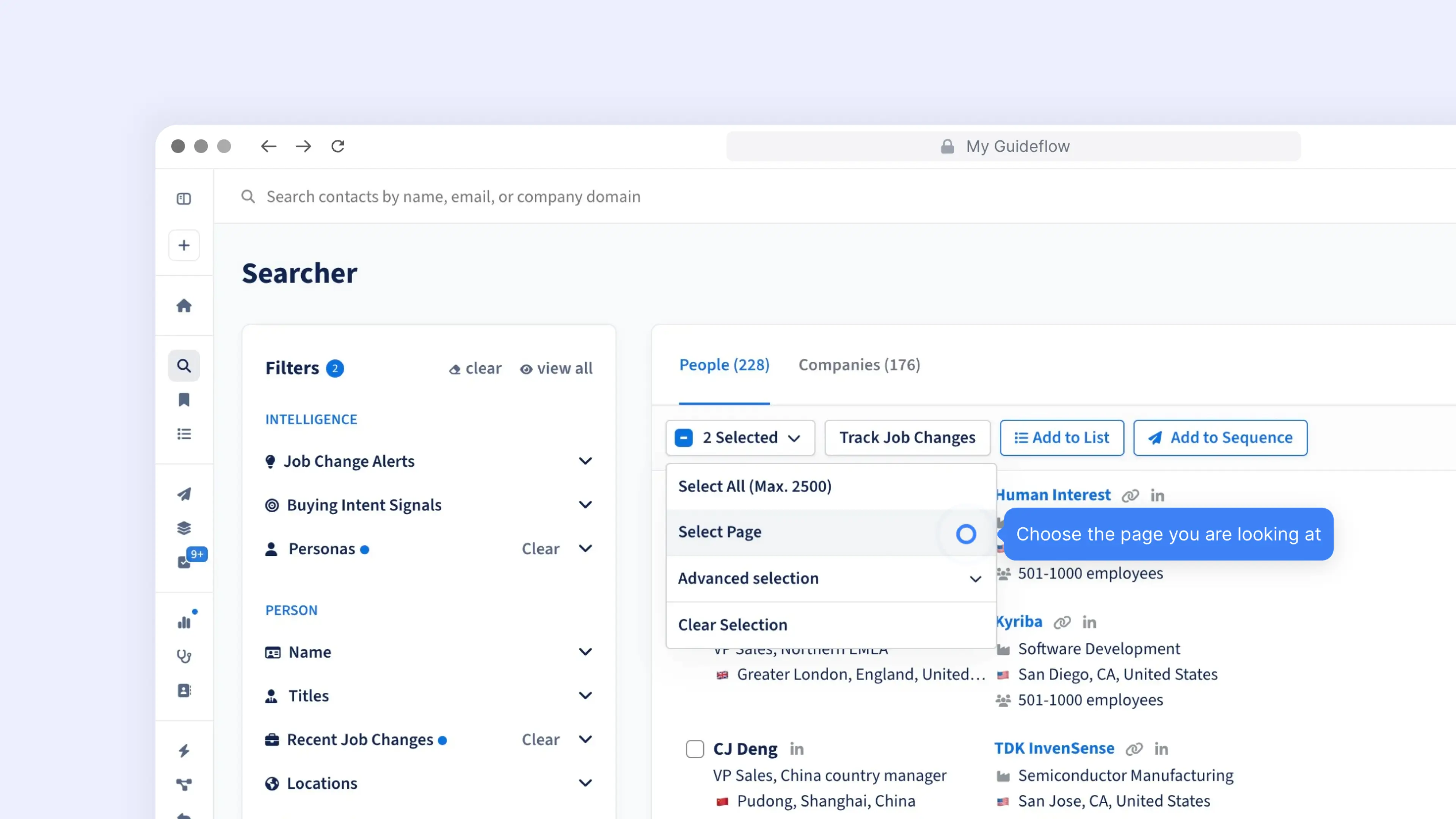
Learn how to add leads directly to your sequences for efficient bulk enrollment and streamlined outreach workflows.
Learn how to add leads directly to your sequences for efficient bulk enrollment and streamlined outreach workflows.

Found the perfect search setup? Save your filters as a Saved Search and let automated lead updates come to you. Here’s how.
.webp)